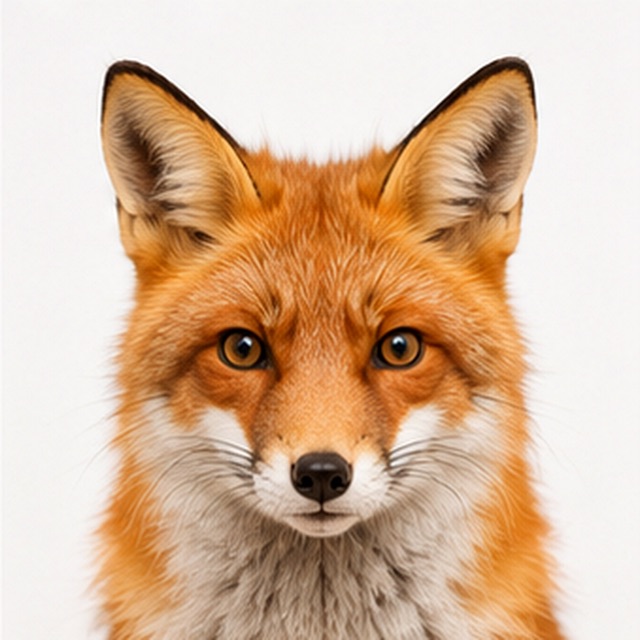
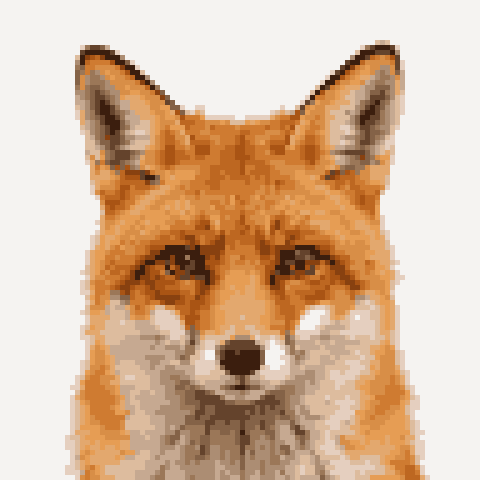
The rule of thumb
Smaller sizes look bolder and more abstract; larger sizes keep more detail but look less "pixel". The goal is the smallest size where your subject is still recognizable. That is where pixel art looks intentional instead of accidental.
16×16 and 32×32 — icons and small sprites
These tiny sizes are the classic sprite dimensions. They force very clean shapes and read well at small scale. Use them for game icons, inventory items, and simple characters. Detail beyond a basic silhouette will not survive, so keep the subject simple.
Tip For game assets, match your engine and tile size exactly — a 32×32 sprite drops straight into a 32px tile grid.
64×64 — avatars and detailed characters
This is the sweet spot for profile pictures and characters with a bit of personality. A face stays recognizable, and you get room for expression without losing the pixel look.
96–128 — detailed pixel art
For art you will look at up close — scenes, portraits, illustrations — 96 to 128 cells keeps gradients and detail while still reading as pixel art. Go higher and it starts to look like a plain low-res image rather than deliberate pixel art.
Minecraft and craft patterns
For Minecraft and beads, "size" means physical blocks or beads, so bigger costs more. A single Perler board is about 29 beads; a Minecraft wall can be any width but block counts grow fast. Start small and scale up only when you need the detail.