Minecraft Pixel Art Generator
Convert any image into Minecraft pixel art built from real, placeable blocks. Get exact block counts, a material list sorted by quantity, and a printable blueprint PDF — free, with everything processed in your browser.
See it in action
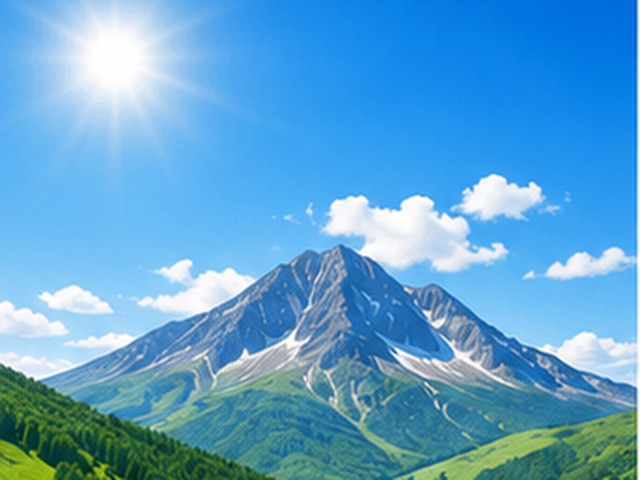
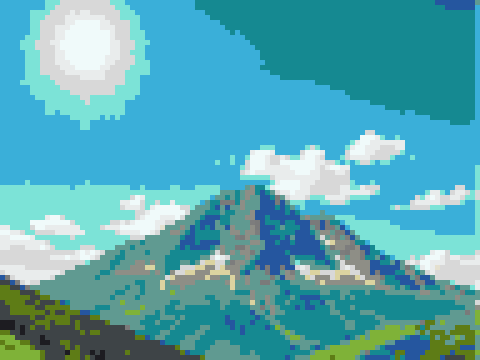
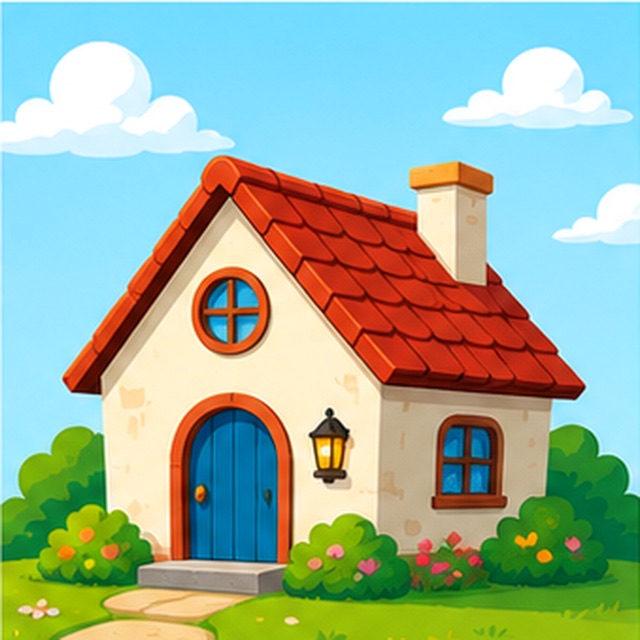
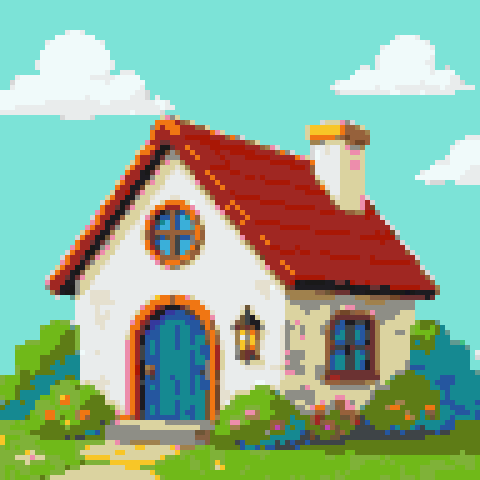
Upload your image
PNG, JPG, WEBP or GIF. The generator matches every pixel to a real Minecraft block, locally in your browser.
Set the width in blocks
The preset is 128 blocks wide — a large wall. Drag the slider and watch the block count and material list update live.
Download the blueprint
Export a printable 2D blueprint PDF, a material list CSV, or the pixel PNG. Then start placing blocks.
How to plan a Minecraft pixel art build
- Width in blocks (your wall size)
- Width is the single biggest decision. The preset is 128 blocks wide, which suits a large wall: 128×128 is 16,384 blocks. Halving the width to 64 cuts that to 4,096 — a quarter of the work. Doubling to 256 explodes it to 65,536. Pick the smallest width where your subject still reads clearly, especially in survival, where every block must be gathered and placed by hand.
- The locked Minecraft block palette
- Unlike a generic pixel art tool, the palette here is locked to 64+ solid Minecraft blocks — wool, concrete, terracotta, stone, and other full-face blocks. Every color in the preview maps to a block you can actually place, so the result on screen is the result in the game. No transparent, partial, or gravity-affected blocks sneak into the design.
- Dithering with blocks
- Dithering interleaves two block types in a checker-like pattern to fake an in-between color — the trick behind classic Minecraft map art. Turn it on for photos, skies, and skin tones, where smooth gradients would otherwise collapse into flat bands. Turn it off for logos and emblems: on flat graphics, dithering just adds noise and makes the build harder to follow row by row.
- Reading the material list
- The material list counts every block in the design and sorts it in descending order, so the first few rows are most of your shopping. A typical 128-wide minecraft pixel art portrait might need 4,900 black concrete, 3,200 white concrete, and a long tail of accent blocks. Check the top entries before committing — if a hard-to-farm block dominates, adjust the source colors or reduce the width.
- Blueprint PDF and material CSV
- Export a printable 2D blueprint PDF showing every block in a labeled grid, plus the full material list on the same document. Prefer spreadsheets? The CSV export lists each block type and count so you can track gathering progress or split the shopping between friends. Both exports are generated in your browser and are free with no watermark.
Builds well
- Logos, emblems, and team crests with flat colors
- Anime characters and game sprites with bold outlines
- Album covers and poster art with strong contrast
- Flags and banners — few colors, clean edges
Simplify first
- Photos with soft gradients — enable dithering and add width
- Portraits with subtle skin tones — the block palette flattens them
- Very wide builds — 256 blocks wide is already 65,536 blocks
- Fine text and thin lines — they vanish below about 96 blocks wide
How the generator turns an image into Minecraft pixel art
The conversion happens in two passes. First the image is downscaled to your chosen width, so every block in the final build represents one cell of the original picture. Then the color of each cell is compared against the average face color of every block in the palette, and the closest match wins. The distance is measured perceptually, which is why a dusty blue sky lands on light blue concrete instead of a loudly saturated wool.
Because the palette is locked to real blocks, the generator never invents a color Minecraft cannot display. That is the practical difference between a generic converter and a true minecraft pixel art converter: the preview you see is buildable block for block, and the material list underneath it is already accurate.
How big should your Minecraft pixel art be?
Block counts grow with the square of the width, so size is where builds succeed or quietly stall. Use these reference points:
For build time, a steady pace in creative is roughly 20–30 blocks a minute, so a 128×128 wall takes around 9–14 hours of pure placement. In survival — with gathering, crafting, and scaffolding — plan on two to three times that. If the estimate scares you, drop the width: a 96-block-wide version keeps most of the detail at 9,216 blocks, just over half the work.
- 64×64 — 4,096 blocks. A weekend survival project; reads well for logos and simple emblems.
- 128×128 — 16,384 blocks. The preset size, right for a statement wall behind a base. Detailed characters hold up.
- 256×256 — 65,536 blocks. Map-art territory; expect a chest room full of materials and multiple sessions.
Best blocks for Minecraft pixel art
Concrete is the workhorse. Its faces are flat and matte, so colors read cleanly from a distance without the visual noise of textured blocks — most large minecraft pixel art walls are mostly concrete for exactly this reason. All sixteen colors are cheap to mass-produce from sand, gravel, and dye, and unlike wool it does not burn.
Wool covers the same sixteen hues and is easier to farm early with a sheep pen, which makes it a good survival starter — just keep it away from lava and fireplaces. Terracotta fills the gap both of them miss: muted browns, dusty pinks, and desaturated earth tones that make skin, wood, and landscapes look natural instead of cartoonish. The generator draws from all of these plus stone and other solid blocks, so gradients get real intermediate shades rather than jumping between two loud colors.
Building it in survival vs creative
In creative, the workflow is simple: keep the blueprint open, pick blocks from the palette, and build row by row. The only real risk is losing your place, so mark every tenth column with a temporary contrasting block and remove the markers at the end.
Survival needs planning. Convert the material list into stacks by dividing each count by 64: 4,900 black concrete is 77 stacks, which is nearly three shulker boxes or two double chests. Gather everything before placing anything — running out of one color mid-wall is the most common way these builds die. Build bottom-up, with scaffolding towers every 20 to 30 columns, or ride a water column down a ladder shaft if scaffolding is scarce.
One more survival tip: concrete powder only hardens next to water. Keep a small water pool at the build site and convert powder as you go instead of hauling finished concrete across the map.
Using the printable blueprint and grid
The blueprint PDF is effectively a minecraft pixel art grid: a 2D chart of the whole design where every cell is one block. Print it, clip it to a board, and cross off rows as you place them — the same workflow cross-stitchers use, and it works just as well inside a video game. The material list prints on the same document, so the chart and the shopping list never get separated.
If you build with friends, export the material CSV and split the gathering by block type, then divide the wall into vertical strips of 16 or 32 columns so nobody works the same rows. Because everything runs in your browser, you can re-run the conversion with a new width or dithering setting and print a fresh blueprint in seconds.
Frequently asked questions
Is this Minecraft pixel art generator free?
Yes. Conversion, block counts, the blueprint PDF, and the material CSV are all free, with no watermark and no signup. The whole tool runs in your browser, so there are no upload limits or paywalls to work around.
How many blocks do I need for Minecraft pixel art?
Width squared, roughly: a 64-wide square is 4,096 blocks, 128-wide is 16,384, and 256-wide is 65,536. The tool shows the exact total and a per-block breakdown live as you drag the width slider, so you know the cost before you commit.
Which blocks does the Minecraft pixel art generator use?
A locked palette of 64+ solid Minecraft blocks: all sixteen concrete and wool colors, terracotta, stone variants, and other full placeable blocks. No stairs, slabs, glass, or falling blocks — every match is something you can place flat on a wall.
Can it convert a photo to Minecraft pixel art?
Yes, but photos need help: enable dithering so gradients blend across two block types, and use at least 128 blocks of width so faces keep their features. Logos, emblems, and drawings convert well at much smaller sizes.
Does it export .schematic or WorldEdit files?
No. The output is a printable 2D blueprint PDF, a material list CSV, and a pixel PNG — everything you need to build by hand. It does not generate .schematic, .litematic, or WorldEdit files, so the blueprint is meant for manual placement.
Does the MC pixel art generator work for Java and Bedrock?
Yes. Block colors are effectively identical across editions, so the blueprint and material list work for Java, Bedrock, and console builds alike. Block names in the material list follow common Java usage, but every listed block exists in both editions.
What is the best size for a Minecraft pixel art wall?
128 blocks wide is the sweet spot for a statement wall — detailed enough for characters, finishable in a few sessions. Go 64 for survival logos, and choose 256 only if you are ready to place 65,536 blocks.
How do I build from the blueprint?
Print the PDF and work bottom-up, one row at a time, crossing off rows as you finish them. In the game, mark every tenth column with a temporary contrasting block so your position on the chart and on the wall never drift apart.
Is my image uploaded anywhere?
No. The image is decoded, matched to blocks, and exported entirely in your browser. Nothing is sent to a server, which is why conversion is instant and there is no file size limit beyond what your device can handle.
Is this a Minecraft pixel art maker or just a converter?
Both, in practice. It converts an existing image to Minecraft pixel art automatically, then lets you tune the width, dithering, and palette result before export. If you want block art from scratch, sketch a simple image first and convert that.